

New Features
macOS 26 Tahoe guest image support:
Key capabilities:
Orka Desktop 3.1.0 brings with it support for running macOS 26 Tahoe guest VM images. This allows Orka Desktop users to start using Tahoe guest images for their VMs.Getting started:
Get started with Tahoe by downloading the latest Tahoe image from OrkaHub, or our Tahoe package in the MacStadium orka-images repository on GitHub. You can run Tahoe guest VMs using the Orka CLI or Orka Desktop.Technical requirements:
- A Sequoia 15.5+ host is required in order to run a macOS Tahoe 26 guest image.
- Orka does not currently officially support running Tahoe on a host machine. We will support macOS 26 hosts in the upcoming Orka 3.6.0 release.
Improvements
-
Clipboard sharing is now supported
-
Clipboard sharing and host folder sharing features both require Orka VM tools v3.5.0 to be installed in the VM
- Available via brew or direct download at: https://orka-tools.s3.us-east-1.amazonaws.com/orka-vm-tools/official/3.5.0/orka-vm-tools.pkg
-
Clipboard sharing and host folder sharing features both require Orka VM tools v3.5.0 to be installed in the VM
- Local storage mounting is available via the Orka Desktop UI
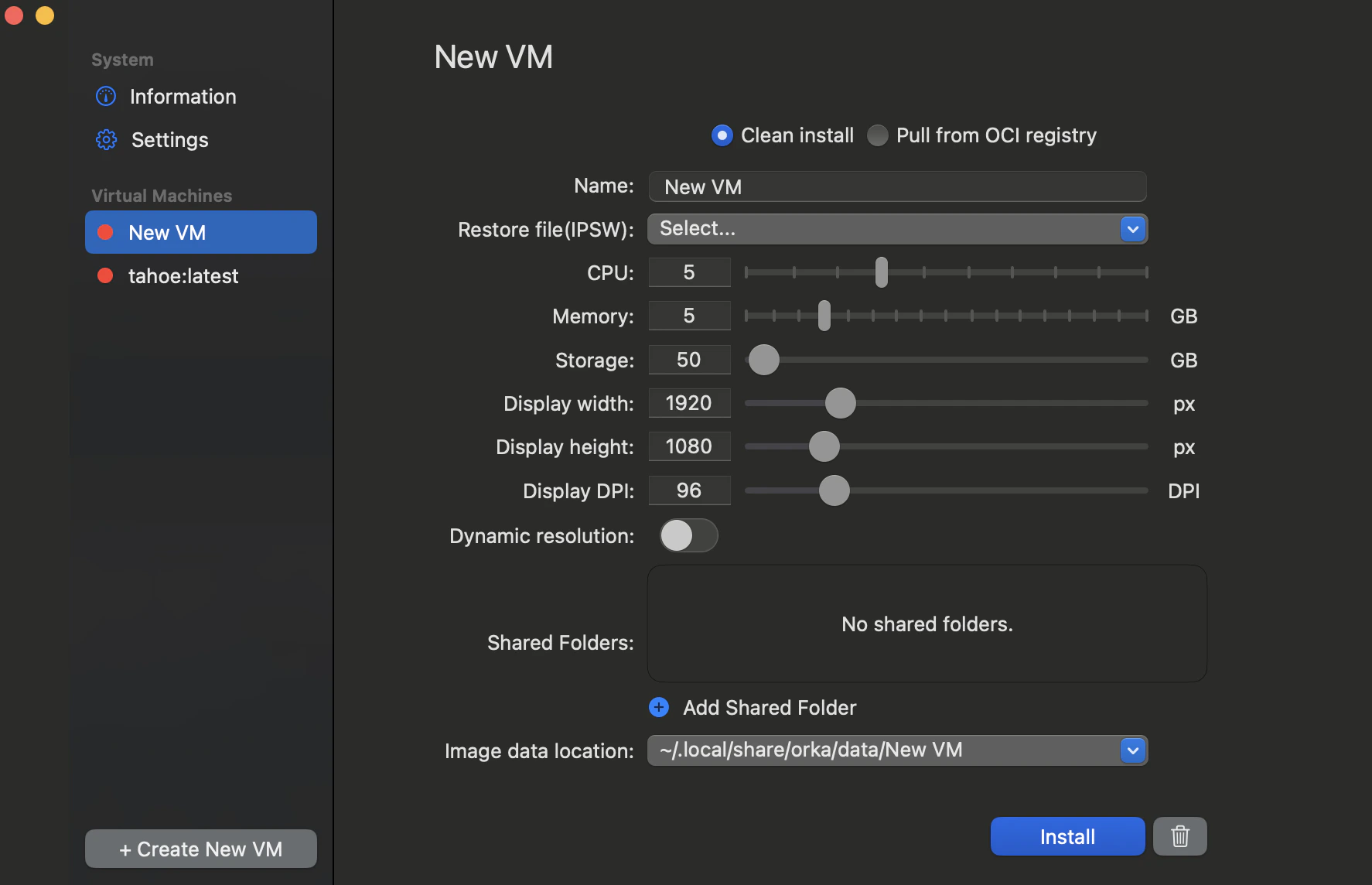
- An updated OCI image format is now supported
Known issues
When running macOS 15.6.1 and attempting to install a VM from the “latest” IPSW using Orka Desktop, the VZ API downloads the macOS 26 Tahoe IPSW. However, the installation fails with a popup message urging users to update the software.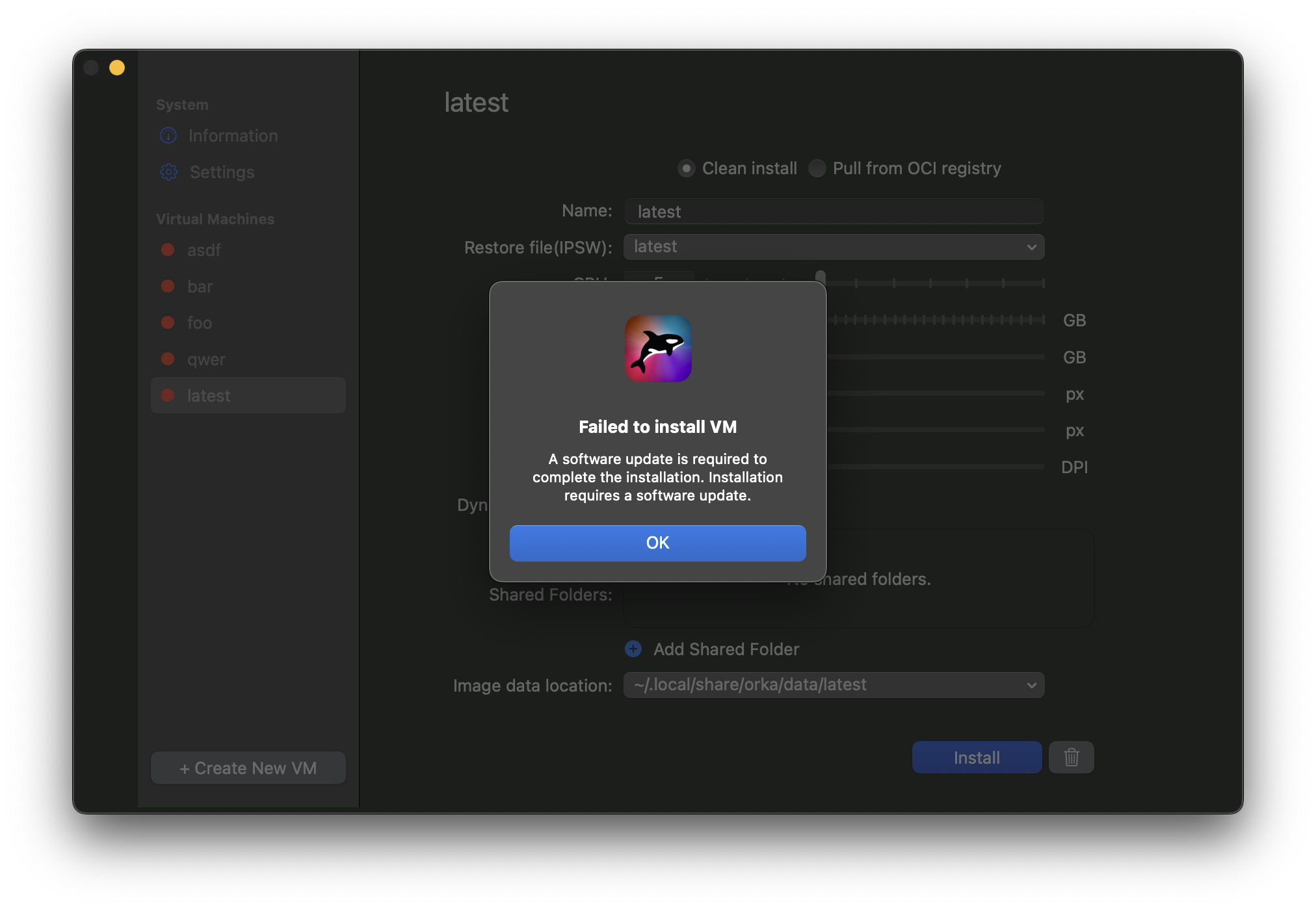
Workarounds:
-
macOS 15.6.1 users can resolve this issue using any of the following workarounds:
- Install XCode 26 - This enables Tahoe VM installation with Orka Desktop
- Download a specific IPSW - Manually select an IPSW instead of using “latest”
- Upgrade your host machine - Update your host machine to macOS Tahoe
Bug fixes
- VMs now duplicate correctly
- Orka Desktop no longer sporadically crashes when pushing/pulling an image from an OCI repository
- Dynamic resolution and DPI settings are now retained after pulling an image