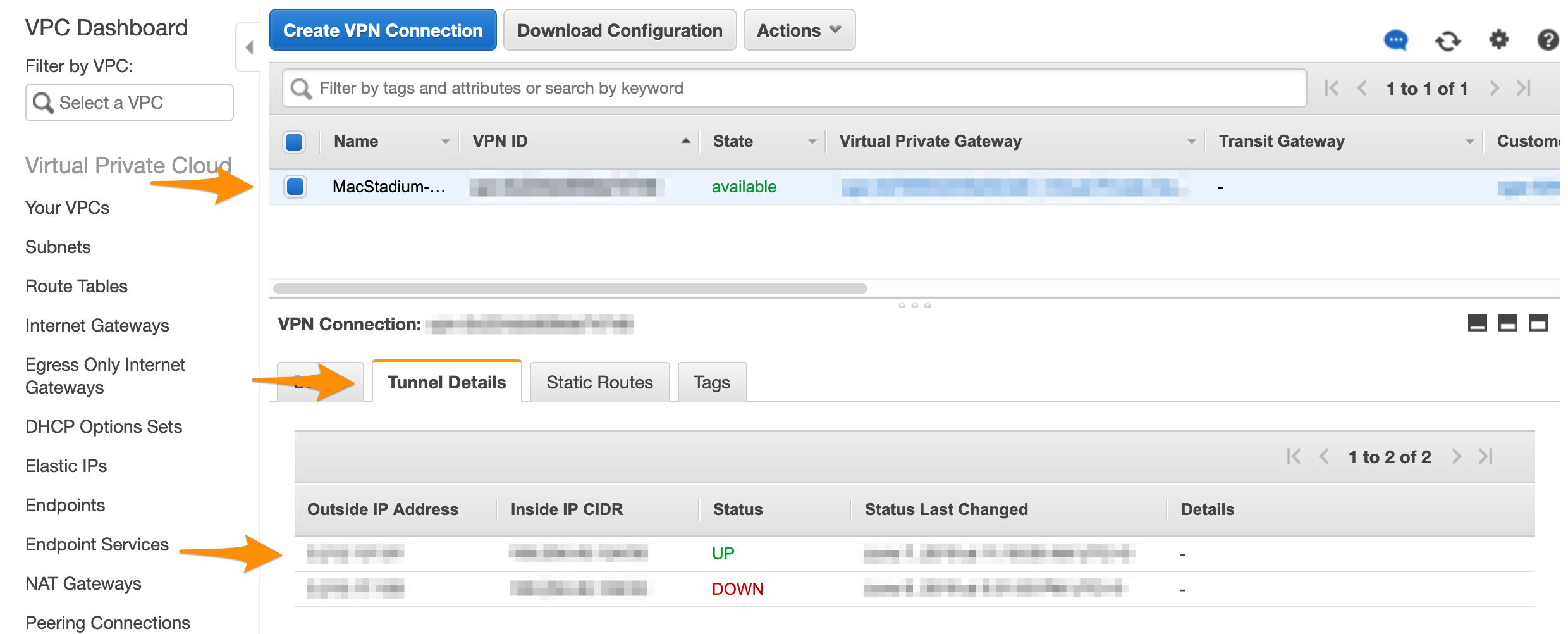
You need:
- Active VPN connection to your Orka cluster.
- Your Cisco ASAv connection information (the firewall’s public IP and Credentials) from My Cloud.
Verify that there is an ISAKMP security association between the peers
- Run Cisco ASDM-IDM and log in to your firewall.
- In the Cisco ASDM-IDM application toolbar, select Tools > Command Line Interface….
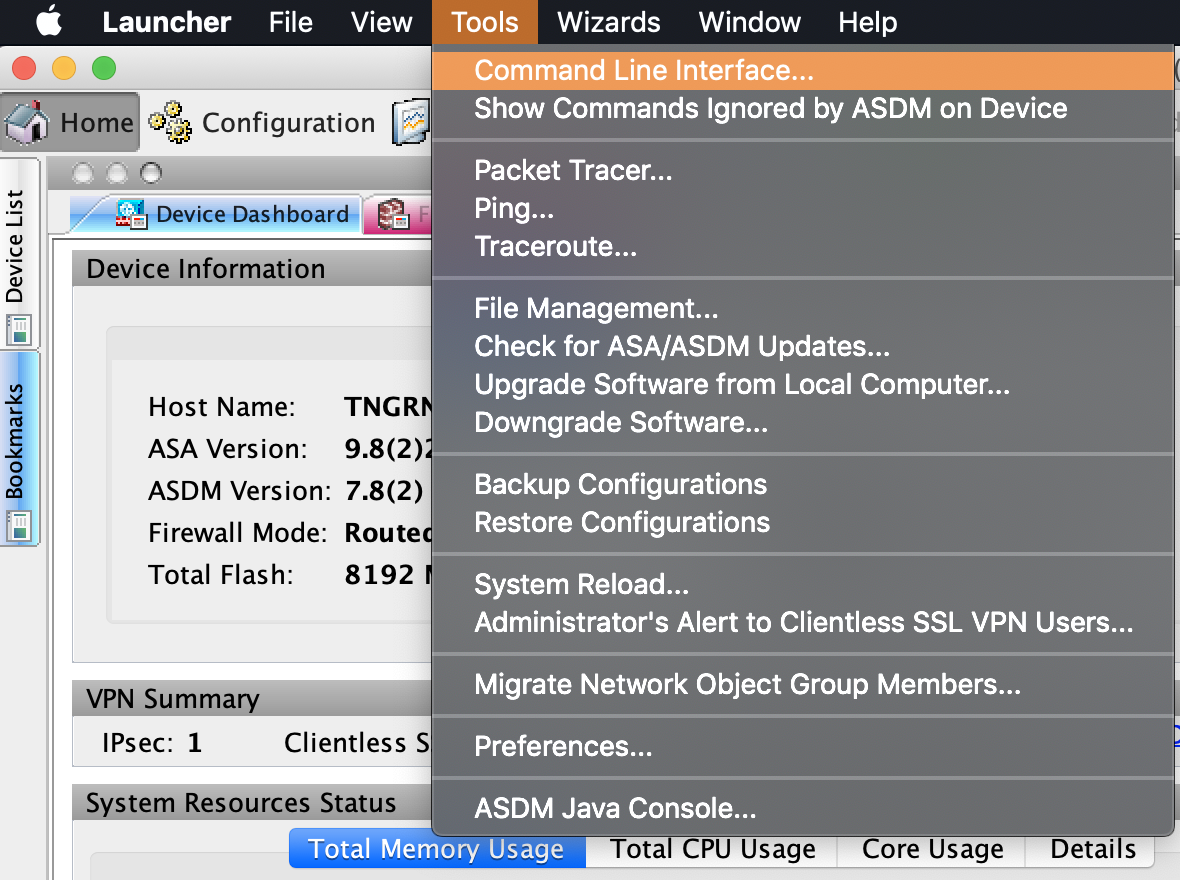
- Select Single Line, enter the following command, and click Send.
Verify that there is an IPsec security association between peers
- Run Cisco ASDM-IDM and log in to your firewall.
- In the Cisco ASDM-IDM application toolbar, select Tools > Command Line Interface….
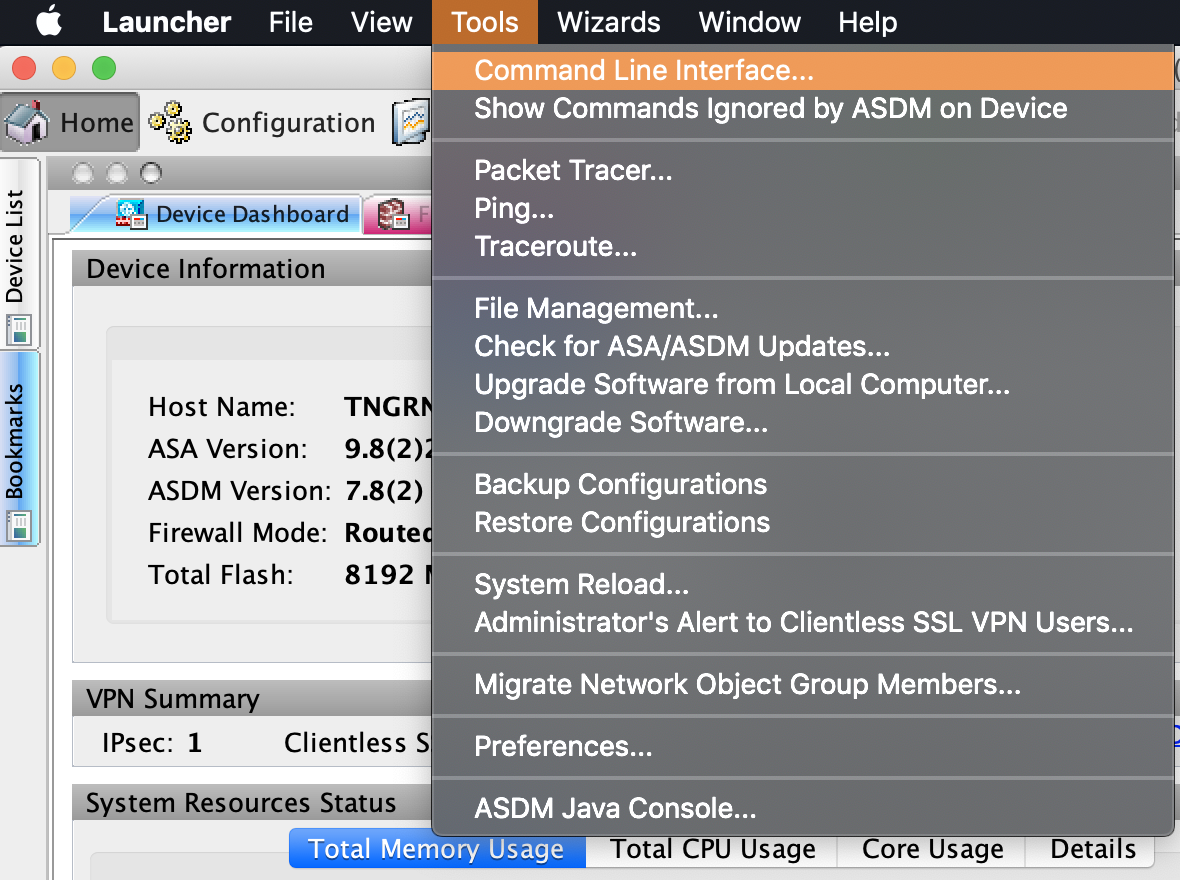
- Select Single Line, enter the following command, and click Send.
Verify that the tunnel is up
Currently, Amazon lets you create a site-to-site VPN where at all times one tunnel is active (up) and one is passive (down). A monitoring service checks frequently if the active tunnel is up and, if not, brings the passive tunnel up instead. This ensures minimal downtime.- Log in to your AWS Management Console and access your VPC service. In the top right corner of the screen, make sure that you’re working in the correct region.
- In the sidebar, locate the Virtual Private Network menu and select Site-to-Site VPN Connections.
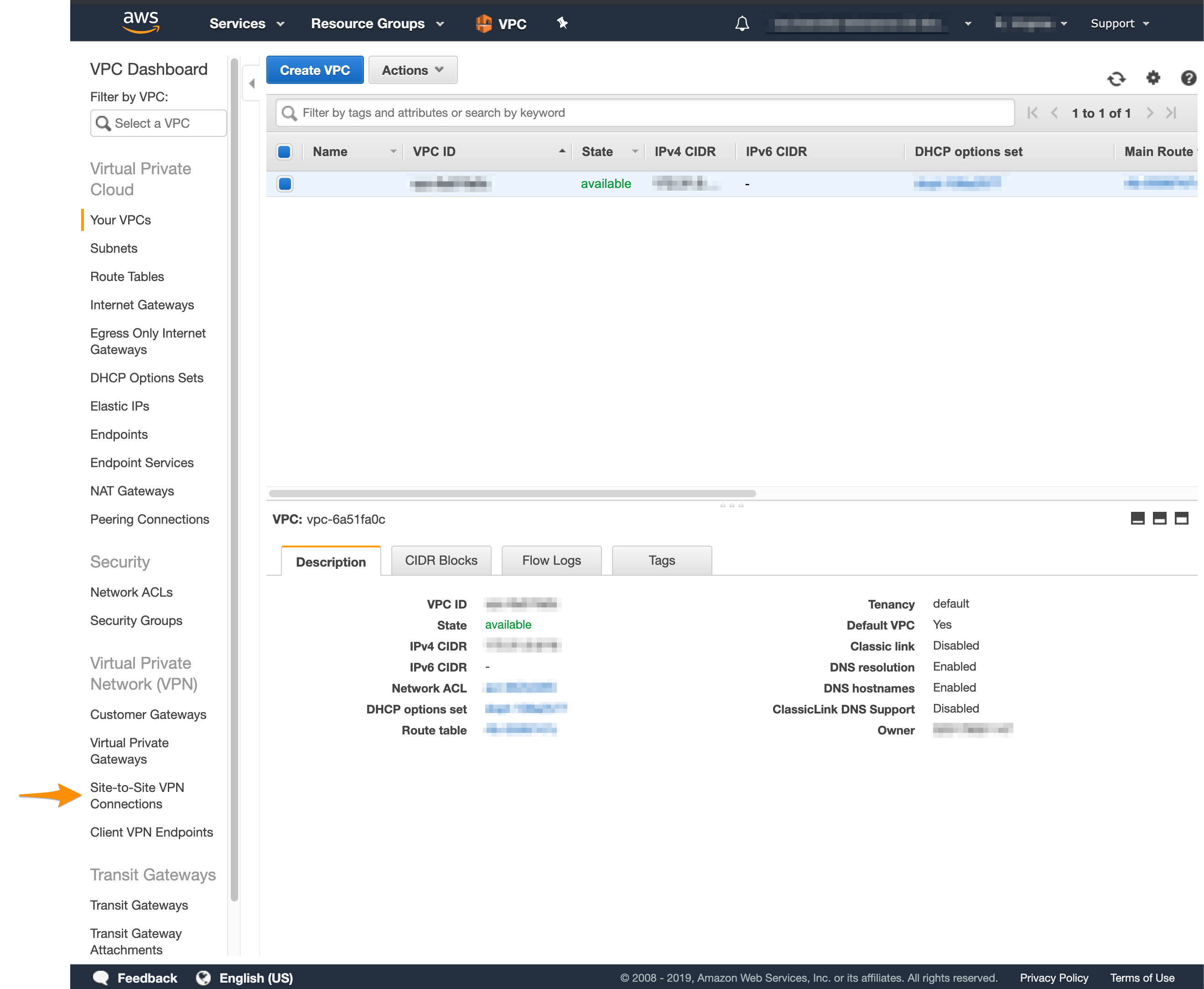
- Select your VPN from the list and inspect the details at the bottom of the screen.
- Click Tunnel Details and verify that one of the tunnels is up.