Orka VM Tools are pre-installed guest services required for disk resize, VM metadata, and shared storage on macOS 13 or later Apple silicon virtual machines.
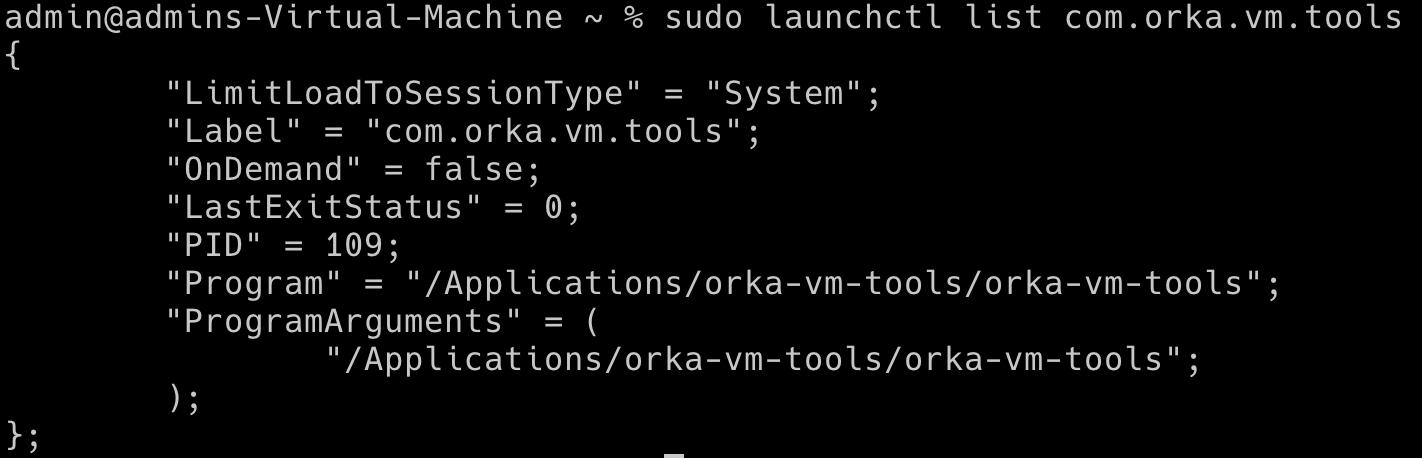
Orka VM Tools is a collection of background services that let Orka communicate with the guest operating system on Apple silicon VMs. They start automatically when the guest OS starts, and they enable features that require coordination between the host and the VM.Orka VM Tools are only compatible with ARM-based guest operating systems running macOS 13 or later.The following Orka features require Orka VM Tools:
Disk resize: resize the VM’s disk without redeploying
Always run the Orka VM Tools version that matches your cluster and other Orka tools and integrations. A version mismatch can cause disk resizing and shared storage failures. For example, if your cluster runs 3.x, your Orka VM Tools should also run 3.x.
Orka VM Tools come pre-installed on all ARM base images that MacStadium provides. When you deploy from a MacStadium image, no separate installation step is needed.If you’re building a custom image from scratch or updating an existing VM, use Homebrew to install or upgrade VM Tools inside the guest:
# Installbrew install orka-vm-tools# Upgrade to the latest versionbrew upgrade orka-vm-tools
Run brew upgrade orka-vm-tools after upgrading your cluster to keep VM Tools in sync with the cluster version.