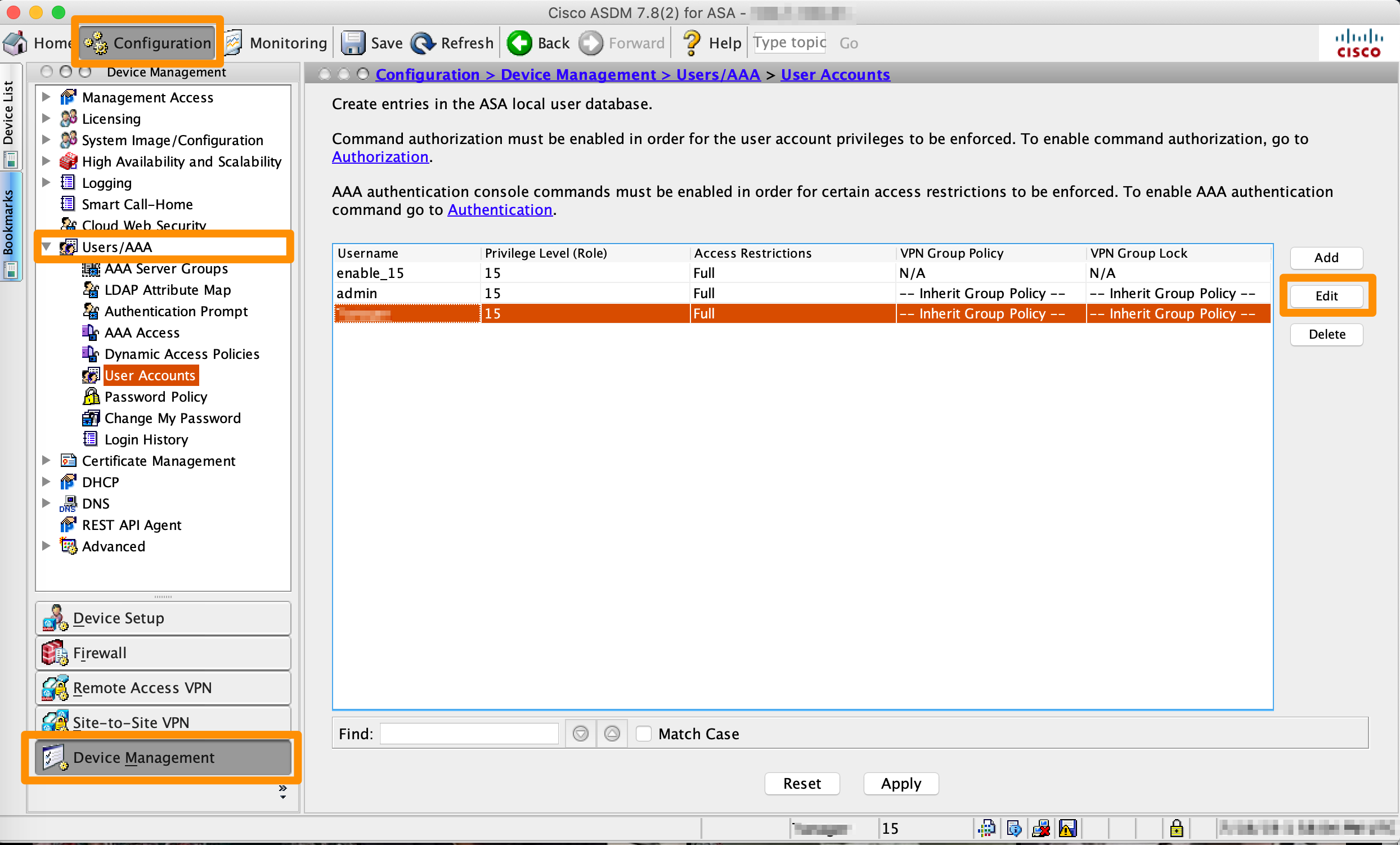
Change your initial Cisco ASA/ASAv firewall and VPN password using the Cisco ASDM-IDM interface. Credentials for the change are in My Cloud.
MacStadium provides the initial configuration of the firewall device, including a username and an initial password listed in the firewall’s Credentials in My Cloud (select Show to reveal). Use these credentials to connect to the MacStadium cloud via VPN and to log in to the Cisco ASDM-IDM management interface of the firewall device.For security reasons, change this password.
Update any scripts, documents or connection settings with the latest password.
From the Device Management > Users/AAA > User Accounts interface, manage access to your cloud and the firewall by adding more users with specific privilege levels.
Was this page helpful?
Assistant
Responses are generated using AI and may contain mistakes.